1.About this manual
2.Before start
The device in standby mode should look as it is showed on image below.

If the device looks differently please go to section: Solving standby problems.
3.Device start
During the start, the device should look as showed on image below.

First the red led starts to blink, then the projector turns on (you will hear a beep sound, and will see the lamp in the projector starting to glow). After that the motherboard turns on and four IR Leds on the front panel begin to glow red.
The starting process of the device ends when the red led stops blinking and turns off.
If the starting process does not match the description from above please go to section: Solving turn-on problems.
4.Device ON
Correctly turned on device looks as showed on image below.

If you find any problem after the correct start of the device (especially with image display, audio or move detection)
go to section: Solving problems with running device.
5.Solving standby problems
If there is any problem on this stage, you will see that the red led doesn’t glow.
Perform those actions:
- check if the device power cord is plugged in properly
- check if the on/off switch is in „on” position
- if the red led still doesn’t glow, try to start the projector only with a remote (video link here)
- if the projector starts, that means that there is a problem with the front panel ( video link here), or with the computer inside the device.
If the front panel replacement doesn’t help, you will need to take the device back to warehouse, because replacing computer is not an action you can do on the spot. - if the projector doesn’t start check the fuse (video link here)
6.Solving turn-on problems
6.1.Malfunction: "the projector does not turn on"
The problem has the following symptoms: When the device is turned on, the red LED starts blinking but the projector does not turn on. No sound signal from the projector.
- try to replace the projector (video link here)
- take the device to your warehouse
6.2.Malfunction: "the projector lamp doesn’t start”
The problem has the following symptoms: When the projector is turned on (single beep) lamp doesn’t start. Then the projector immediately turns off (double beep)
- try to replace the lamp (video link here)
6.3.Malfunction: "motherboard doesn’t turn on
The problem has the following symptoms: When the projector is turned on (single beep) and the lamp is on, the projector still does not display any image. Also four IR leds are OFF (indicates that computer didn’t turn on)
- try to replace the front panel (video link here)
- take the device to your warehouse
6.4.Malfunction: "projector does not display any image while motherboard turns on
The problem has the following symptoms: When the projector is turned on (single beep) and the lamp is on, the projector still does not display any image. Also four IR Leds are ON and red led is still blinking
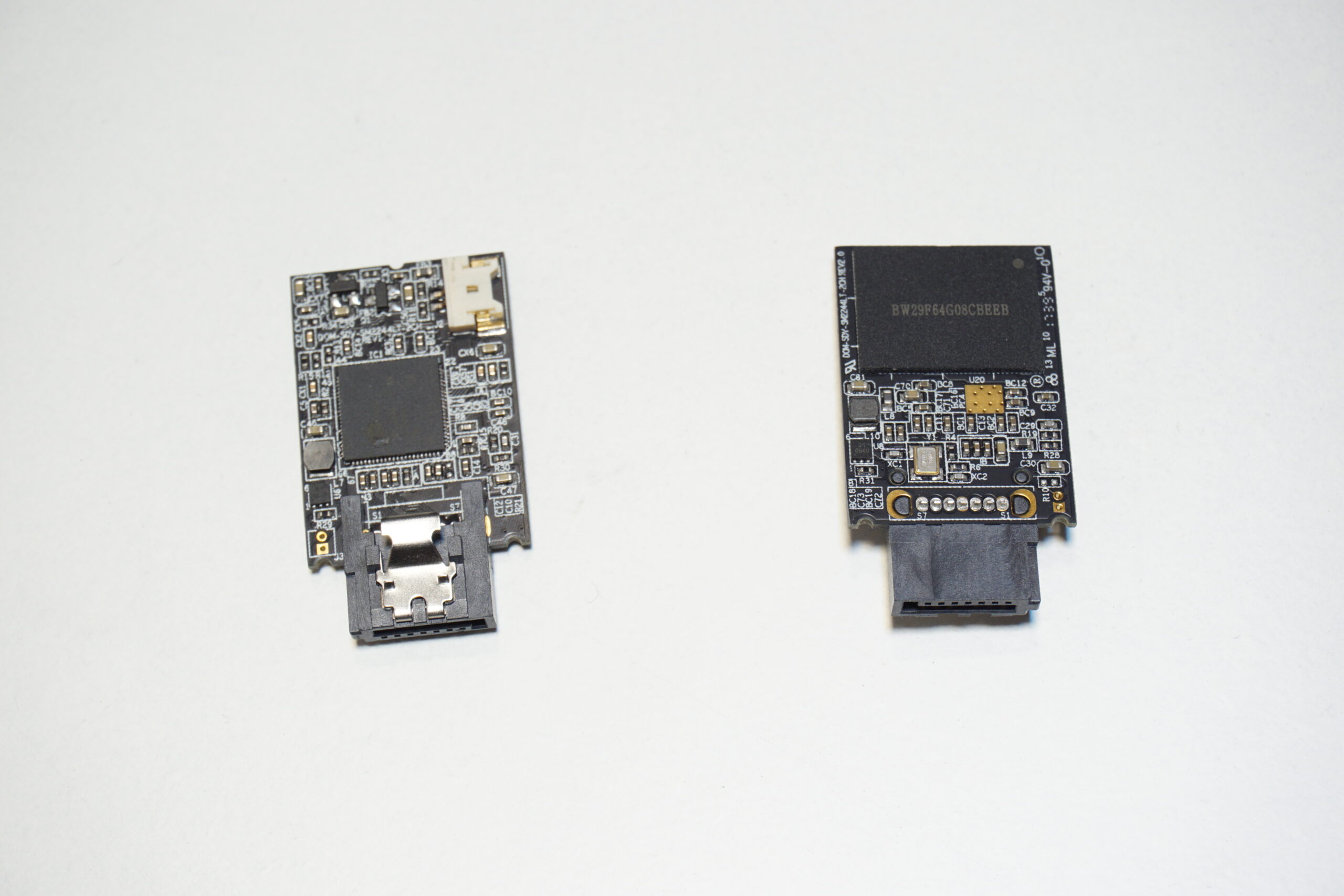
- replace the SATA DOM (video link here)
- try to replace the front panel (video link here)
- take the device to your warehouse
6.5.Malfunction: "red LED continues to blink"
The problem has the following symptoms: After one minute, when the device should have finished the turn-on process, the red LED is still blinking. The device displays a menu but cannot be controlled by the remote control. After approx. 3 minutes, the device switches off.
- try to replace the front panel (video link here)
7.Solving device on problems
7.1.Malfunction: "displayed Image flashes, or there is no image at all"
The problem has the following symptoms: from time to time the image fades-out for about 1-2 seconds; this effect may be periodic. In same occasions there is no image at all, While there is no image, you can still hear the sound coming from the device.
- replace the HDMI cable (video link here)
7.2.Malfunction: " speaker makes a crackling sound"
The problem has the following symptoms: disturbing sounds are emitted from the speaker continuously or periodically. The unit is still playing sound.
- replace the audio cable (video link here)
- replace the front panel (video link here)
- take the device to your warehouse
7.3.Malfunction: "no sound"
The problem has the following symptoms: no sound from the device.
- The first step is to check the volume of the device using the remote control. If the volume animation changes as you increase the volume, and there is still no sound, proceed to the next step
- replace the front panel (video link here)
7.4.Malfunction: "One of the fans in the the device is very noisy"
If there are disturbing noises coming out of the device and you have already determined that they are not coming from the speaker, check if they are caused by defective operation of one of the fans. There are 4 fans in the device.
Probably the faulty one is the one underneath the overhead projector plate (you can determine it by detaching plug with red and black wires from motherboard. If this mutes the noises, it confirms this presumption.
- if faulty fan is the one under the projector you can replace the projector plate (similar to projector replacement, link here)
- In other cases you need to take the projector back to your warehouse
7.5.Malfunction: "device does not detect movement"
Problem is probably caused by broken camera.
- check image from the camera (using remote, go to the info menu and hold the mode button for 3 seconds)
- after determining that the camera caused this problem replace the front panel (video link here)
- take the device to your warehouse
8.Tools
In this paragraph, there are presented tools, needed for service actions.

wrenches in size: 5.5, 6, 7, 8
Allen keys: H4, H3
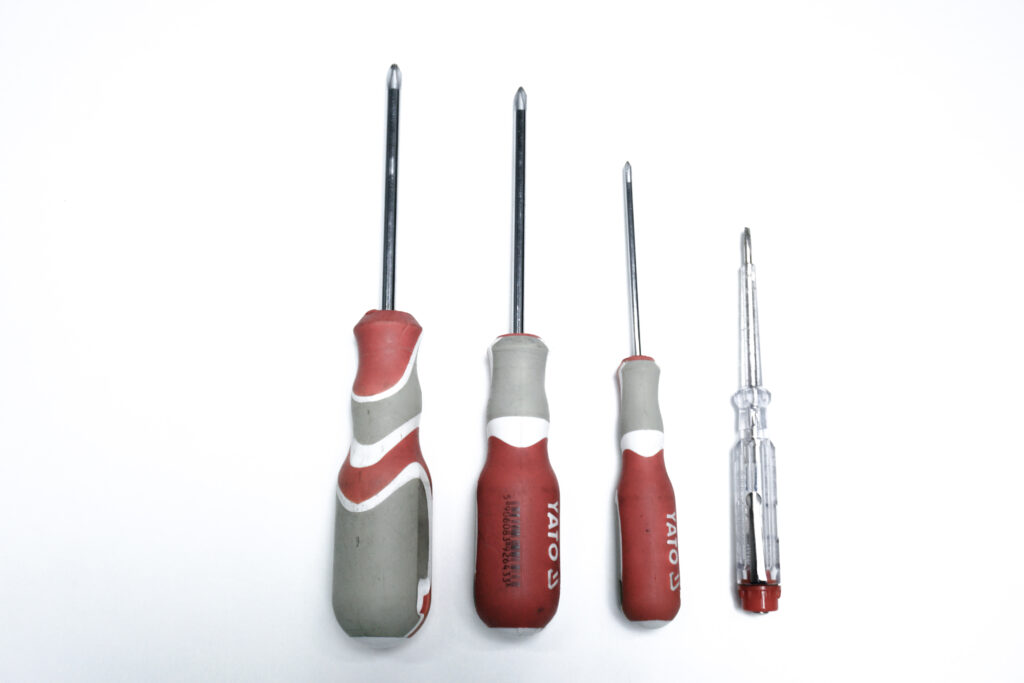
screwdrivers: PH2, PH1, PH0, flat-screwdriver
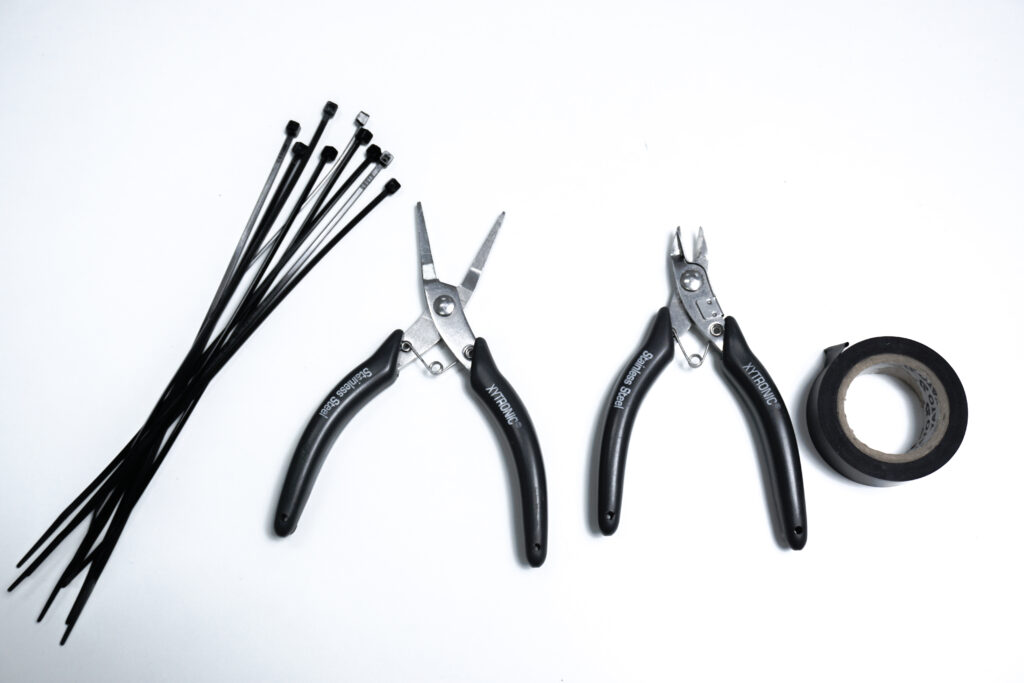
tie-wrap, pliers, side-cutting pliers, electrical tape
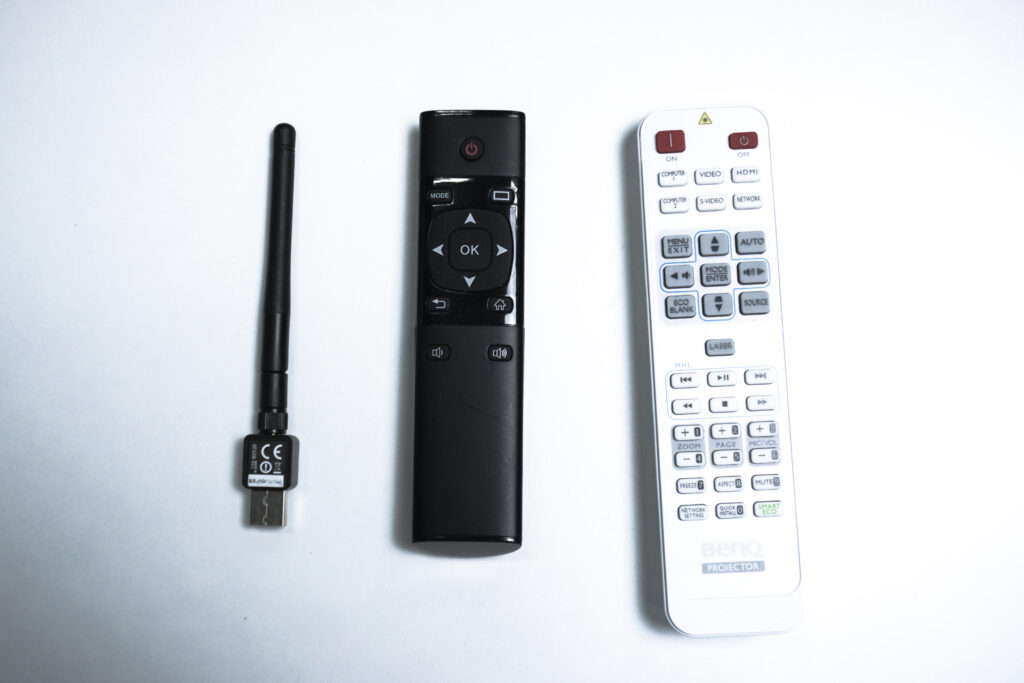
WiFi-dongle, device remote, projector remote

CO2 freezer, isopropyl alcohol, cloth
9.Parts
In this paragraph there are listed parts, needed during service actions
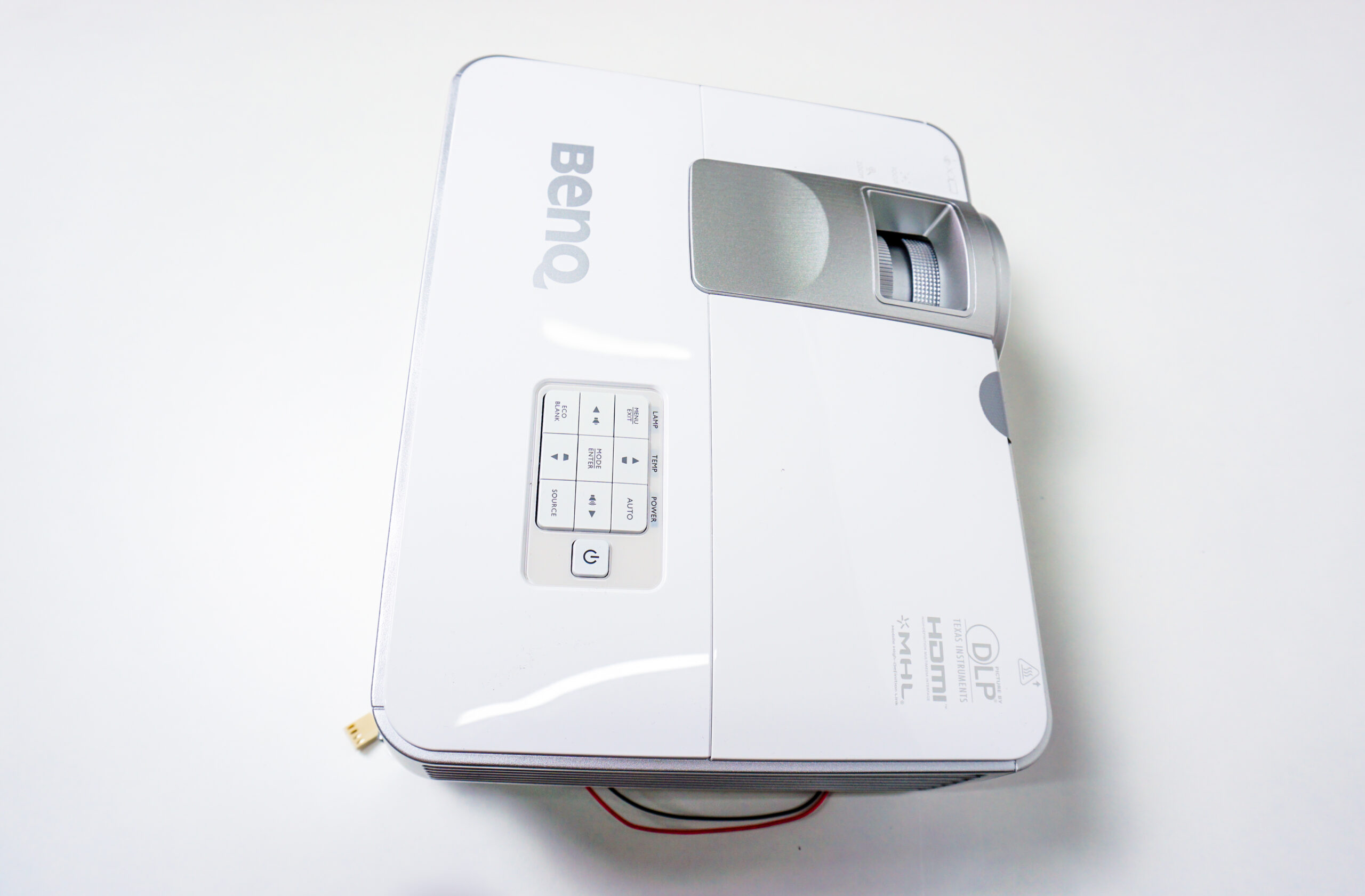
projector:
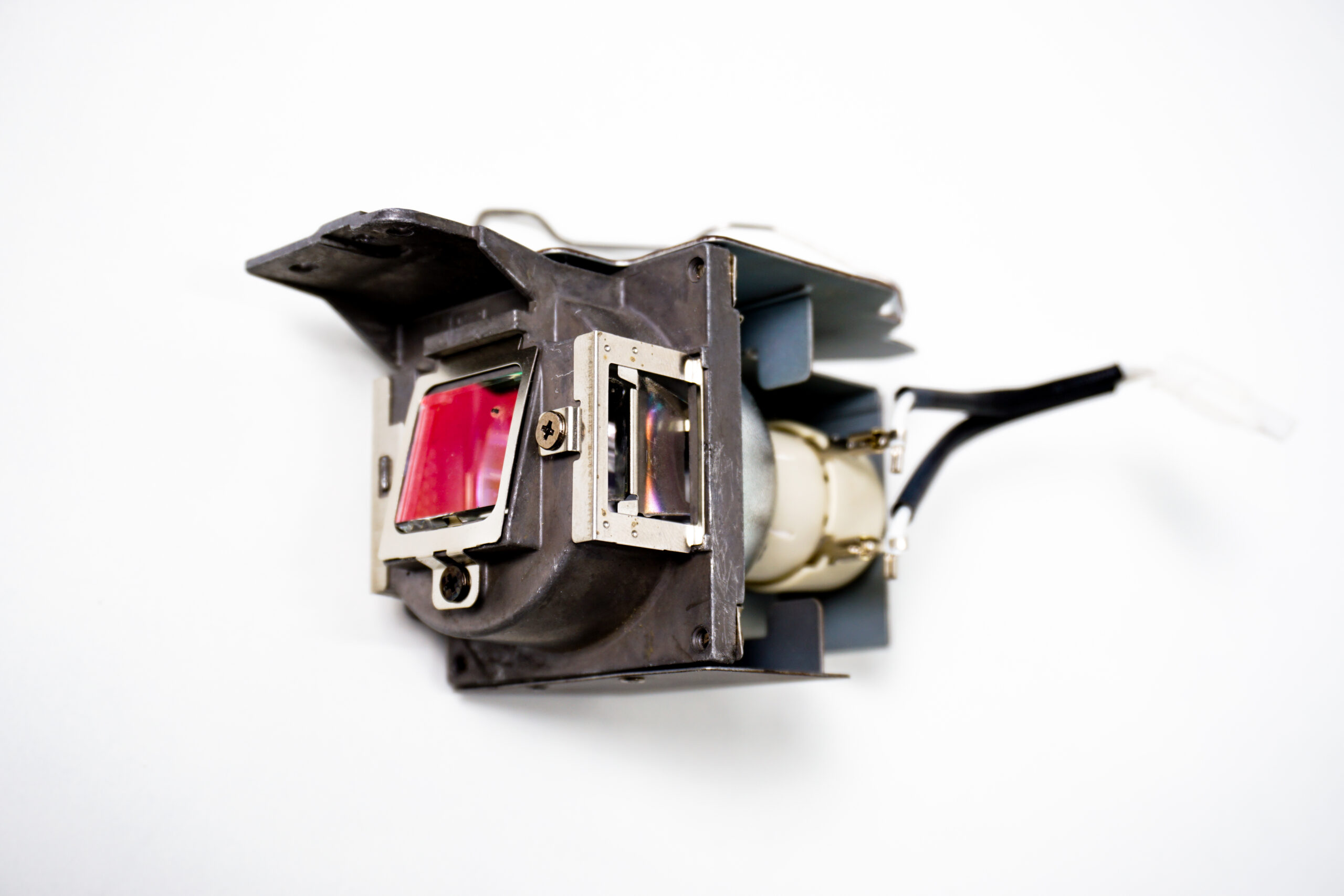
lamp:
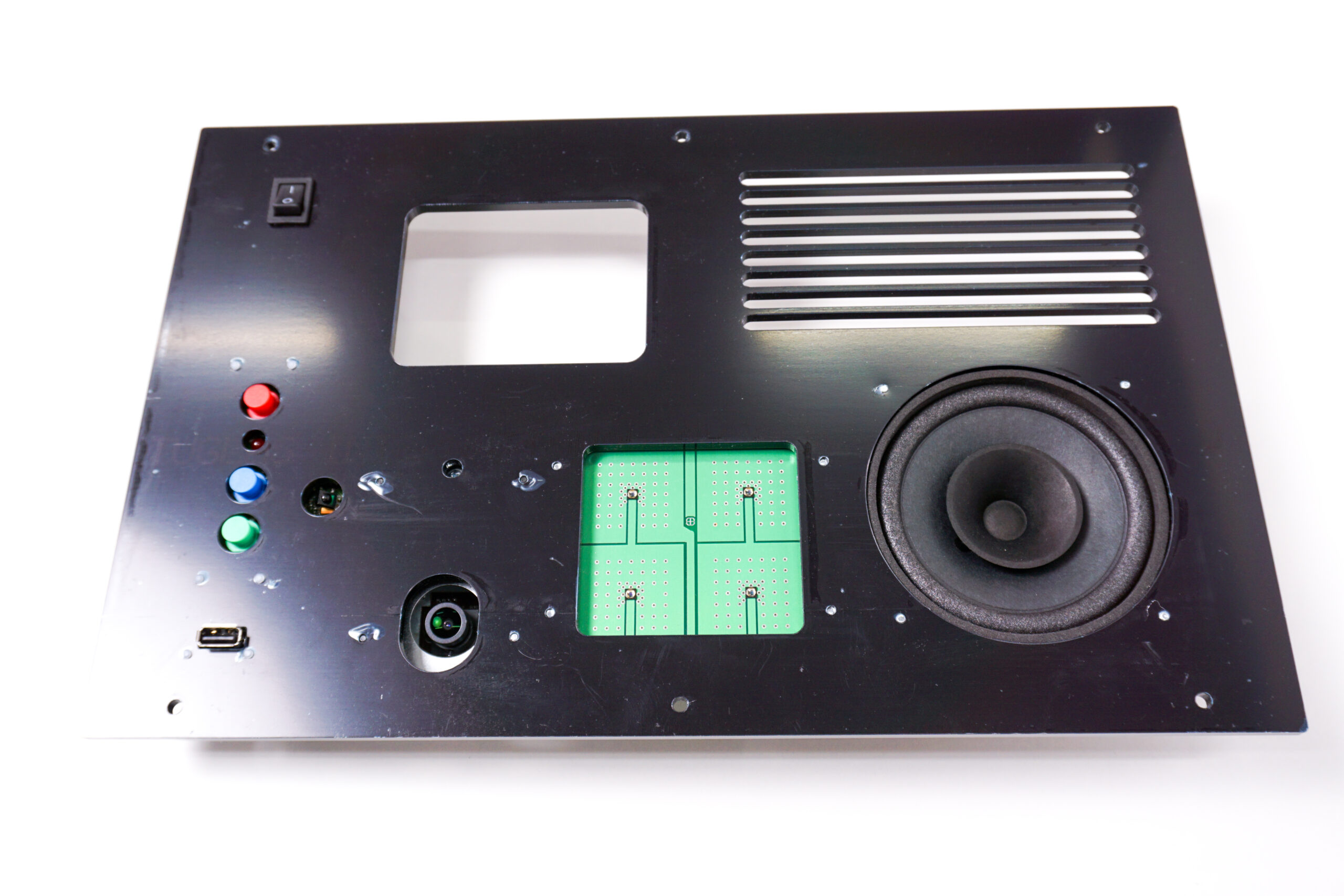
front panel:
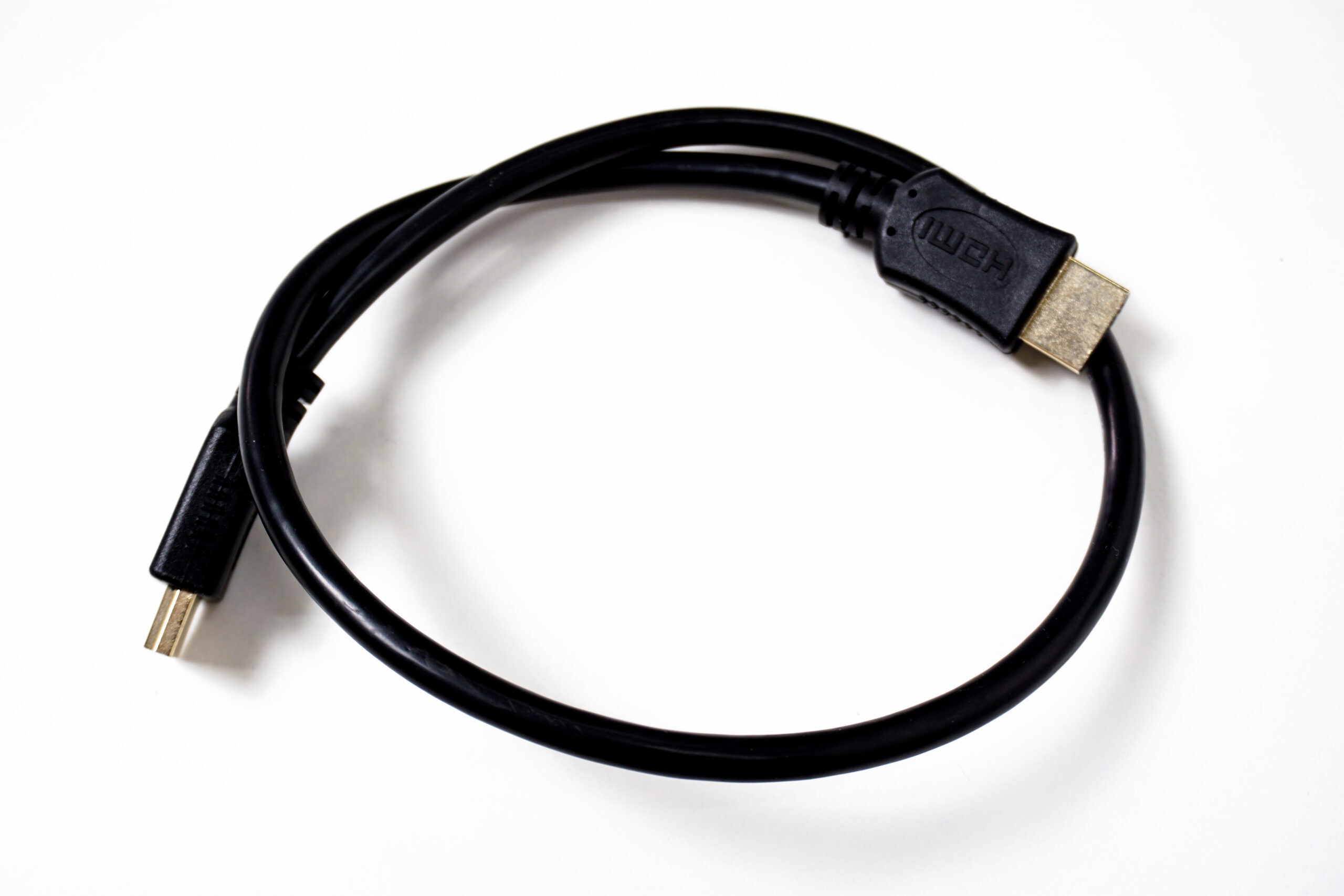
HDMI cable:
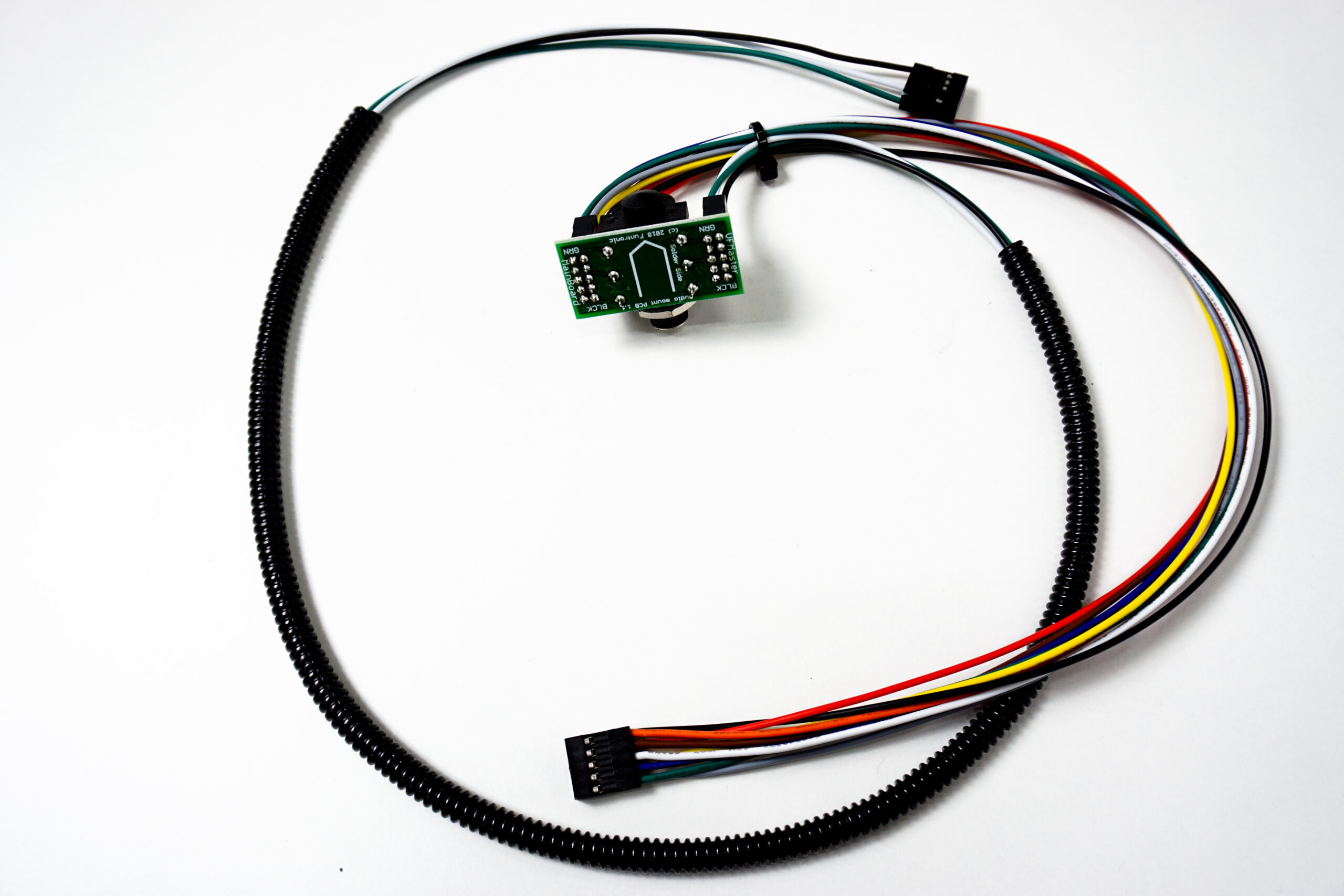
audio cable:
SATA disks: